
The snapshot is current as of May 2026. App stores, availability, and version numbers can change, so treat store details as a check-before-install item, not as permanent facts.
Quick Recommendation
| Need | Best choice | Why |
|---|---|---|
| Play and improve on one account | Toguz Arena PWA | Games, rating, AI review, puzzles, leagues, and mobile browser access stay connected. |
| Offline/simple Android practice | Dedicated Android apps | Useful for basic rules and quick bot games. |
| iPhone install-like experience | iOS PWA | Native iOS choices are limited; Safari “Add to Home Screen” keeps the full web platform. |
| Large casual opponent pool | PlayOK mobile web | Good for quick tables, weaker for learning tools. |
1. Toguz Arena: Android APK + PWA Path
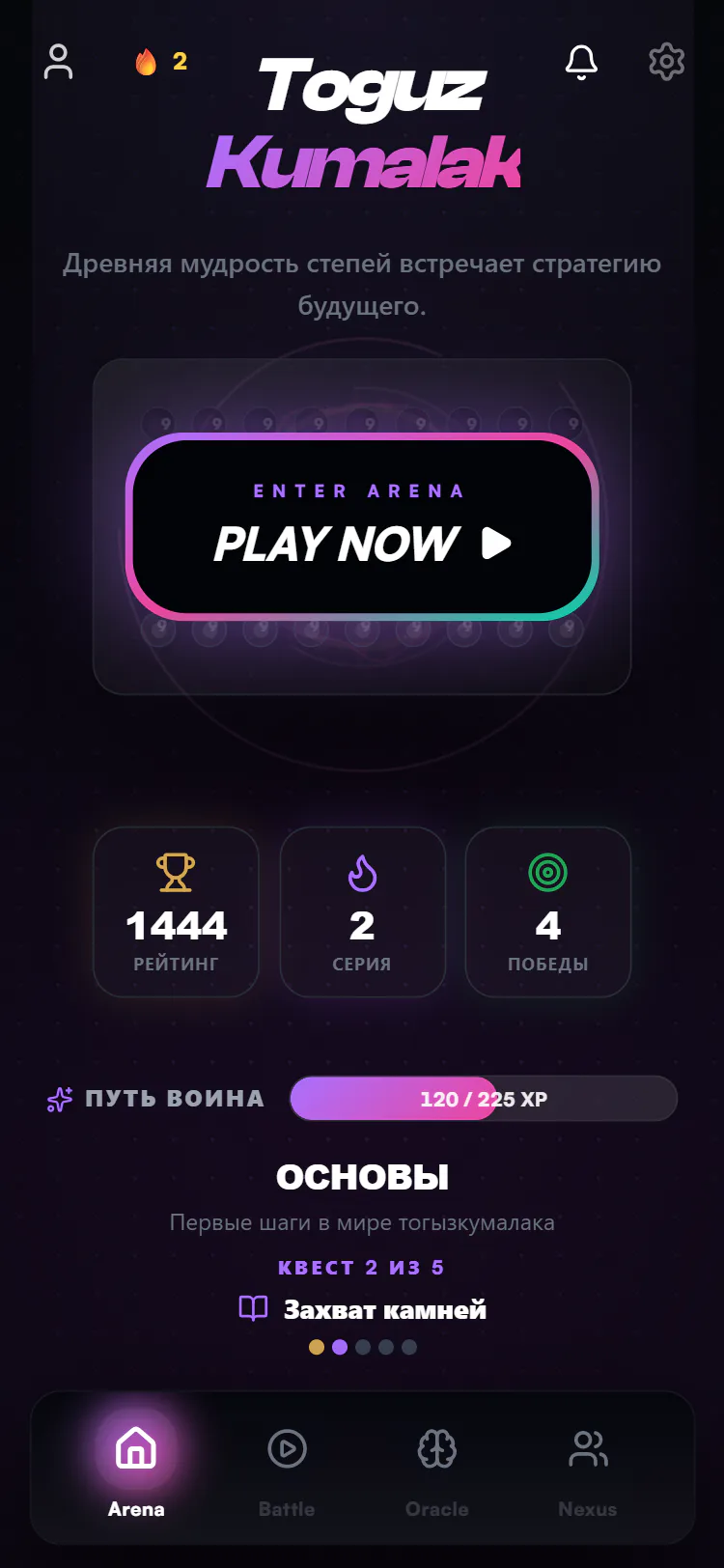
Toguz Arena is built as a responsive web platform first. That matters because Togyz Kumalak improvement is not only “start a game”. A serious mobile setup needs a full loop: play, save the result, review mistakes, train a puzzle, return to a similar position, and track rating over time.
On Android you can use Toguz Arena directly in Chrome. If an APK build is available for your release channel, install it only from the official Toguz Arena distribution page or a link announced by the project. Do not download random APK mirrors for board games; they can be outdated or unsafe.
Android PWA install steps
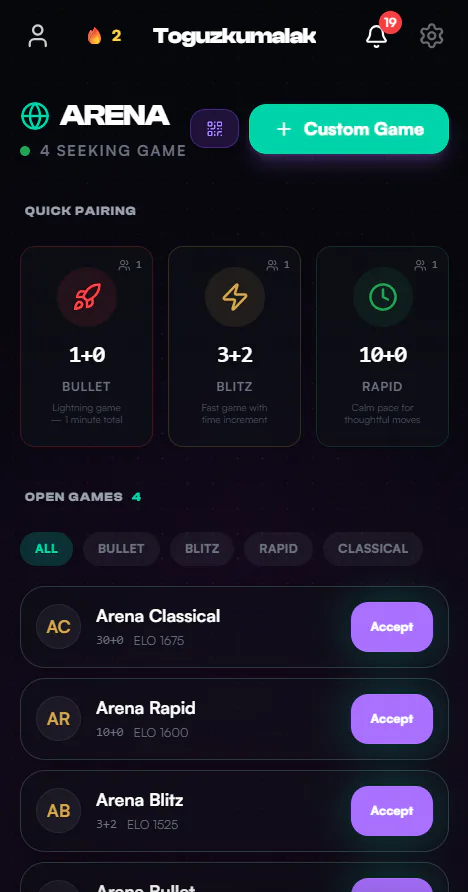
- Open Toguz Arena in Chrome on your phone.
- Log in once so rating, games, and review history are attached to your account.
- Open the browser menu and choose Install app or Add to Home screen.
- Launch Toguz Arena from the icon and check that the board fits in portrait and landscape.
2. iOS: Safari PWA Is the Practical Route
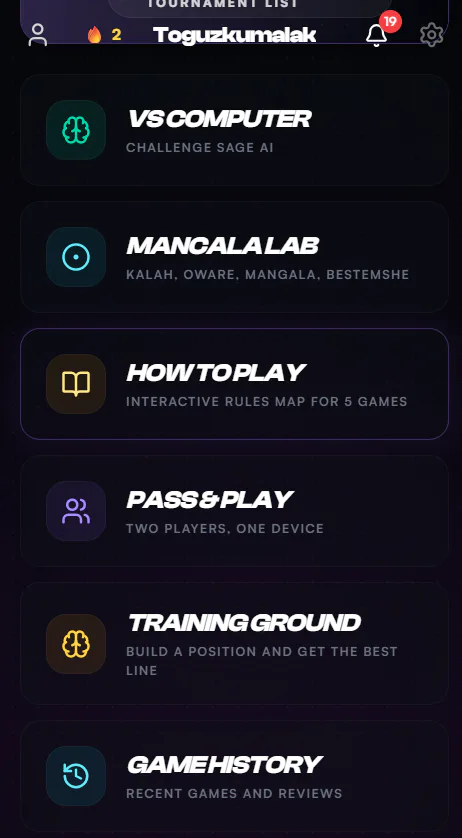
For iPhone and iPad, the web-app route is usually more practical than searching for an old native app. Safari can add Toguz Arena to the home screen, giving you an app icon and full-screen launch while keeping the same account and web updates.
iOS install steps
- Open Toguz Arena in Safari, not an in-app social browser.
- Tap Share.
- Choose Add to Home Screen.
- Open the new icon and test a bot game before playing rated PvP.
3. PlayOK Mobile Web
PlayOK is useful if your priority is finding a public table quickly. It is a general board-game portal, so the main advantage is opponent availability across many games. The weakness is that Togyz Kumalak learning is not the centre of the product: you should not expect a dedicated AI coach, training-ground workflow, or guided post-game explanation.
4. Dedicated Android Apps
Several Android apps can help with basic play against a computer, simple online games, or rule practice. They are useful as lightweight tools, especially if you want to teach the board to someone offline. Before recommending one to students, check three things: last update date, whether online mode still works, and whether the rules match Togyz Kumalak rather than another mancala variant.
5. What Makes a Good Togyz Kumalak Mobile App?
- Readable board: numbers in all 18 pits must stay visible on a small screen.
- Fast move input: one tap should be enough; accidental taps need confirmation in rated games.
- Replay: every serious player needs to review the exact move where the game changed.
- AI or bot practice: useful only when the bot gives stable difficulty, not random weak moves.
- Account sync: mobile progress should not be separated from desktop progress.
- Safe install path: official store, official APK, or PWA from the real site.
Comparison
| Option | Install | AI/training | Online | Best for |
|---|---|---|---|---|
| Toguz Arena | PWA / official APK channel | AI review, coach, puzzles | Yes | Long-term improvement |
| PlayOK | Mobile web | Limited | Yes | Quick public games |
| Android game apps | Store/APK | Varies | Varies | Basic practice |
| Older iOS apps | App Store if available | Usually basic | Often limited | Offline board introduction |
Final Verdict
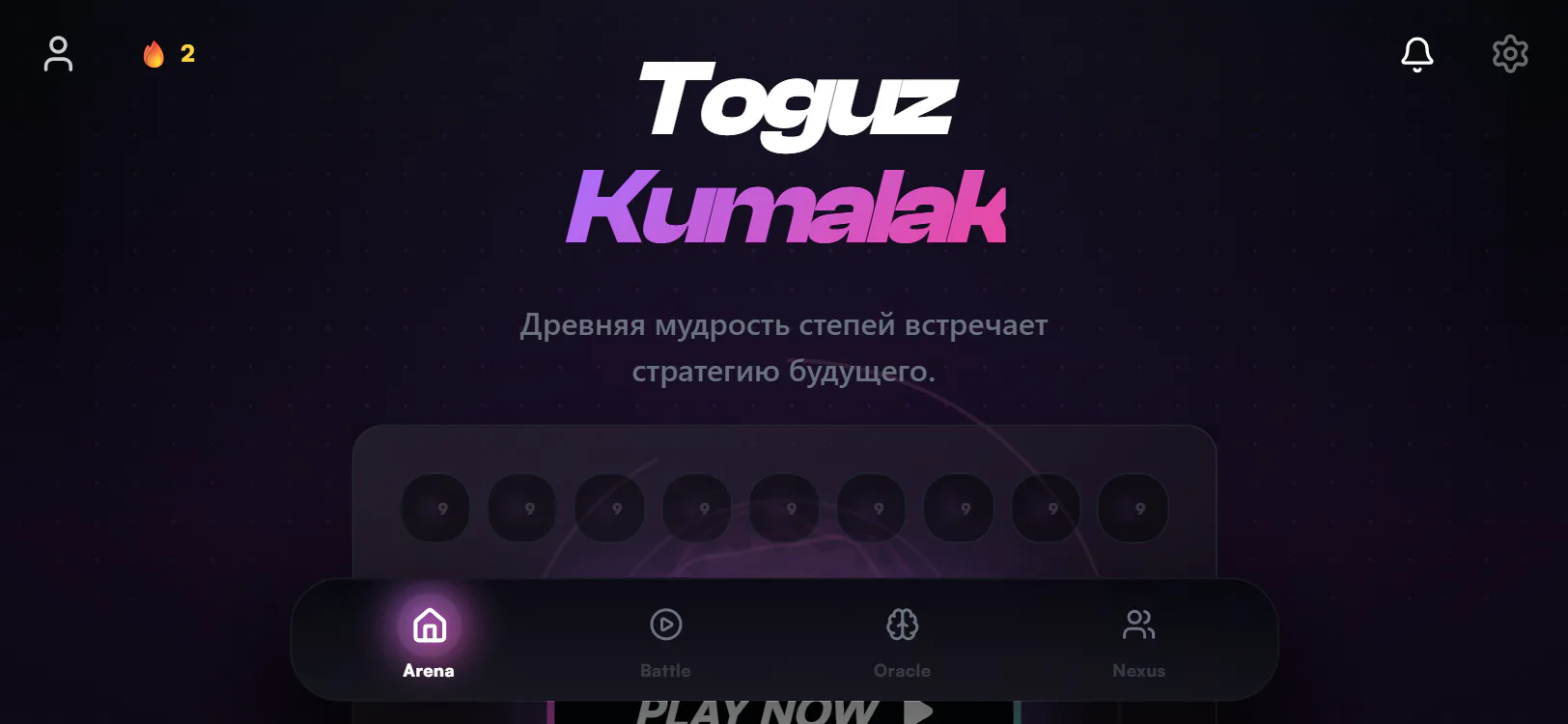
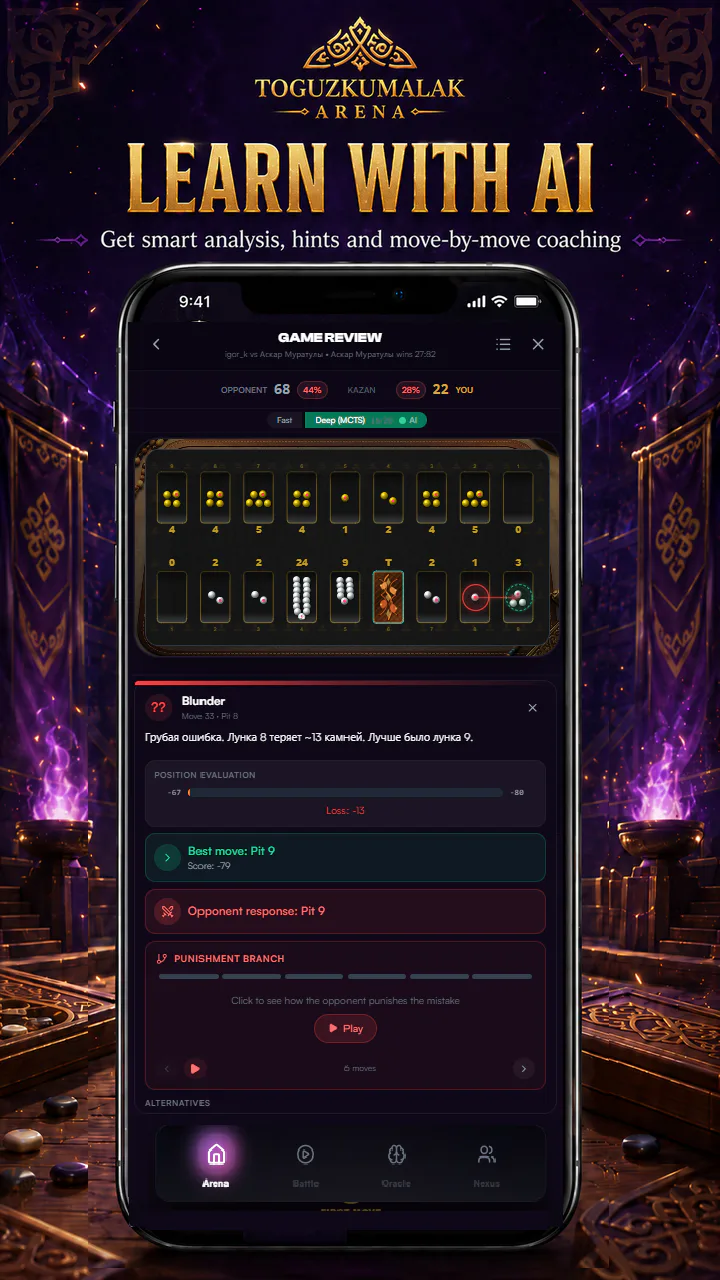
If you only need a casual mobile board, a simple Android app can be enough. If you want to actually improve, choose the tool that keeps play, rating, analysis, and training together. For that use case, Toguz Arena as a mobile PWA is the safest default: no separate progress, no outdated standalone database, and no need to wait for store updates before the platform improves.
APK Safety Checklist
If you install an APK, check the source first. The safest options are the official Toguz Arena page, a store page controlled by the developer, or a link published inside the product. Avoid APK mirrors that change the package, add ads, or host old builds. For a board game account, the risk is not only malware; it is also losing rating, saved games, or login trust.
- Check the domain and developer name.
- Prefer PWA if you only need mobile access.
- Do not install “modded” board-game APKs.
- After install, test a bot game before rated play.
What to read next
After choosing a mobile route, continue with the surfaces that explain where to play, how the rules work and how to review games without mixing app-store claims with training claims.
- Open the Play lobby to test the current mobile board flow.
- Use AI Trainer after games instead of treating an app listing as a coaching tool.
- Compare online Togyz Kumalak platforms before choosing between PlayOK, mobile web and Toguz Arena.
- Read the Togyz Kumalak rules before judging whether an app implements the right variant.
- Use the wiki for source-backed rule and culture context.